
Invite an opponent
Create a private room and send the full invitation link. Private rooms stay out of the public lobby, so use one for a prearranged opponent.
Create a public room to meet an opponent, or a private room to invite one by link or room code. The host chooses White or Black, and White moves first. Anyone who opens a game in progress without an original seat enters as a spectator.
Choose a room type, then invite an opponent with its link or room code.
Public rooms use a shorter code and appear in the public list for anyone to join. This browser can keep only one public room at a time.
Paste a shared link or enter the room code. A waiting room gives you the open seat; a game in progress opens in spectator mode.
Leaving a room does not end the game. The host can return through My Rooms in the lobby or close the room. If both players leave, it expires after about 20 minutes. A room code identifies only the current match; it is not a personal profile.
Assigning a unique room code. Please wait.
Send the link or room code to your opponent. The game starts automatically when they join.
You will play White and move first; your opponent will play Black. This setting remains in place when they join.
Connection interrupted. Reconnecting…
Room details were found in the shared link. Connect now, or edit the room code first.
Connecting to room . Please wait.
Connection interrupted. Reconnecting…
They disconnected. Return to the lobby to create or join a room.
Room not found. The code or link may be incorrect, or the room may have closed. Check it and try again.
Play Chess Online
Private rooms are for direct invitations, public rooms wait for opponents in the lobby, and games in progress are open only to spectators. Understanding these three entry points prevents confusion between watching and taking a seat, and helps you return to the right room after stepping away.
Create a private room and send the full invitation link. Private rooms stay out of the public lobby, so use one for a prearranged opponent.
Create a public room and remain on the waiting screen. The room enters the lobby so another player can take the open seat, and the game starts automatically when the second player joins.
The lobby separates waiting rooms from games in progress. You can take a seat in the former; the latter are for spectators only, who cannot move for either side.
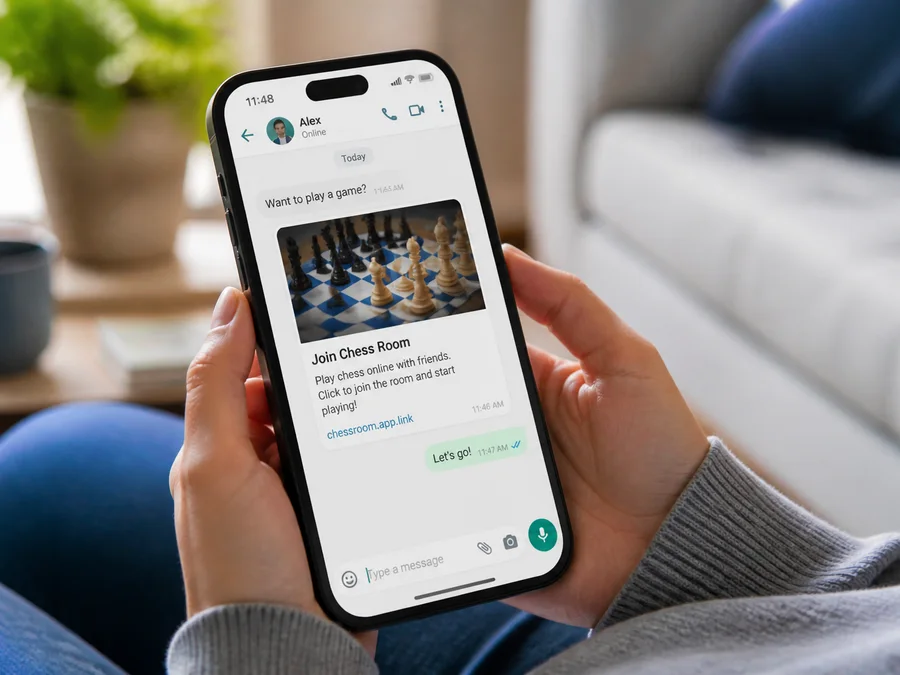
The full link already contains the room information, so your opponent only needs to open it and confirm the connection. A room code is more useful when entering it manually on another device. If joining fails, check for missing characters and then confirm that the host has not closed the room.
The host should choose to play White or Black before the opponent takes a seat. White moves first, and the color setting determines each player's board orientation. Once the opponent joins, the game begins with the current setting.
A private room is unlisted, not authenticated. Anyone with the link or room code can still join, so do not post the invitation publicly.
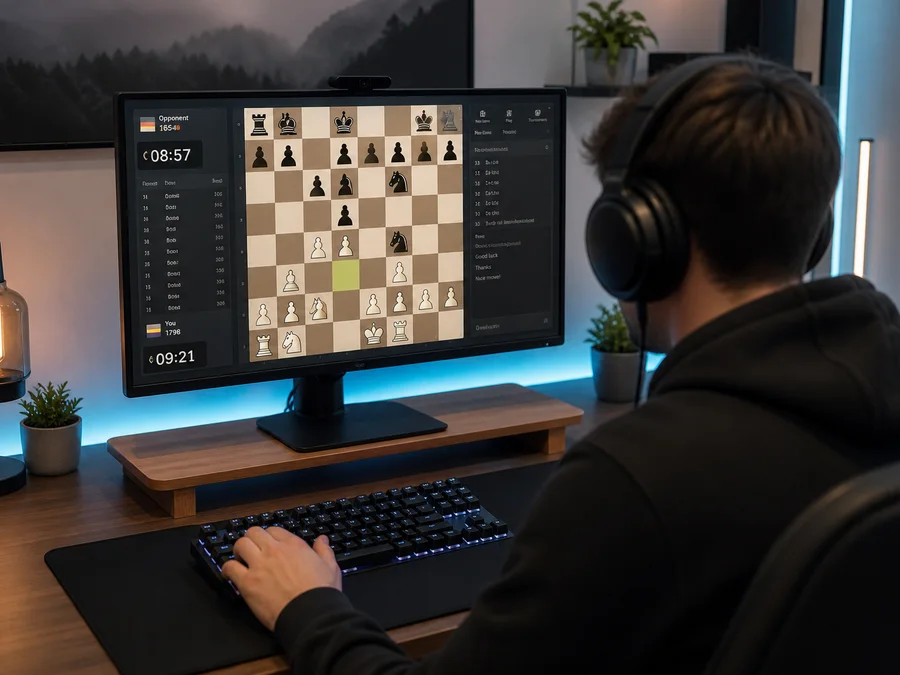
After a brief disconnection, the page tries to reconnect. If you only need to step away, use Leave Room to preserve the game. The host can later return to the same seat from My Rooms in the lobby.
Close Room ends the game immediately and invalidates the invitation link; it is not the same as resigning. To record a chess result, resign or agree to a draw. After both players go offline, an empty room expires in about twenty minutes.
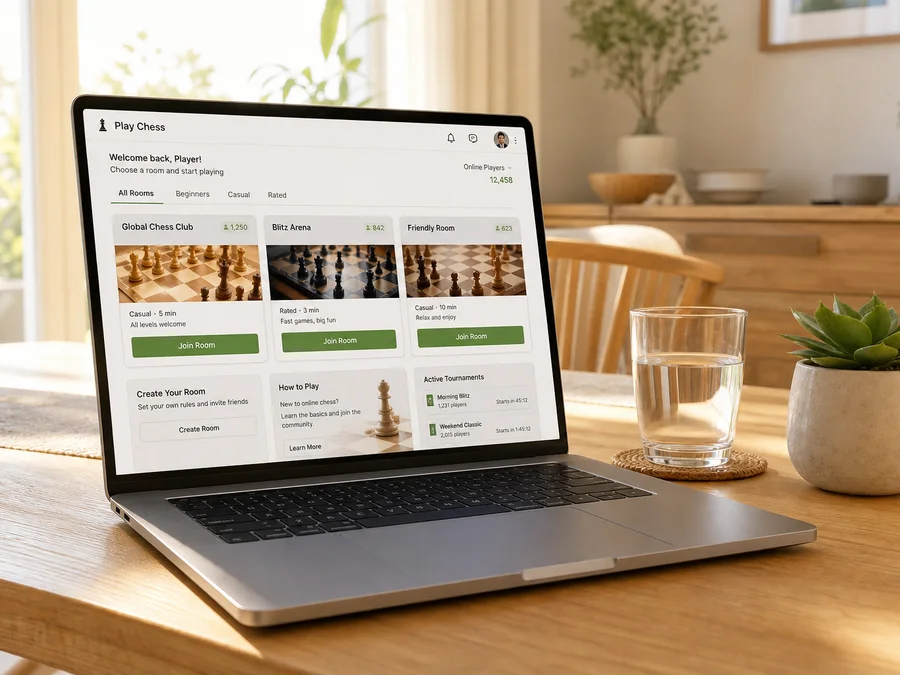
Public rooms are useful for finding an opponent quickly, but the site has no chess clock, ratings, or built-in chat. To agree on thinking time, how to handle a short absence, or how draw offers should work, use a private room with a specific opponent and settle the details through another communication channel.
Once play begins, both seats are fixed. Spectators can follow the position but cannot move or affect the result. The board validates legal moves and synchronizes the game state, including check, checkmate, stalemate, resignation, and a draw by agreement. To play, return to the lobby and join a waiting room.

Chess
chess.plyyard.com
Add to Home Screen
Add to Dock